 NameSense
Three common batch renaming tasks
Decide how this batch should be organized before choosing its naming parts. These tasks use local rules and need no API key. Follow the getting-started guide for your first rename.
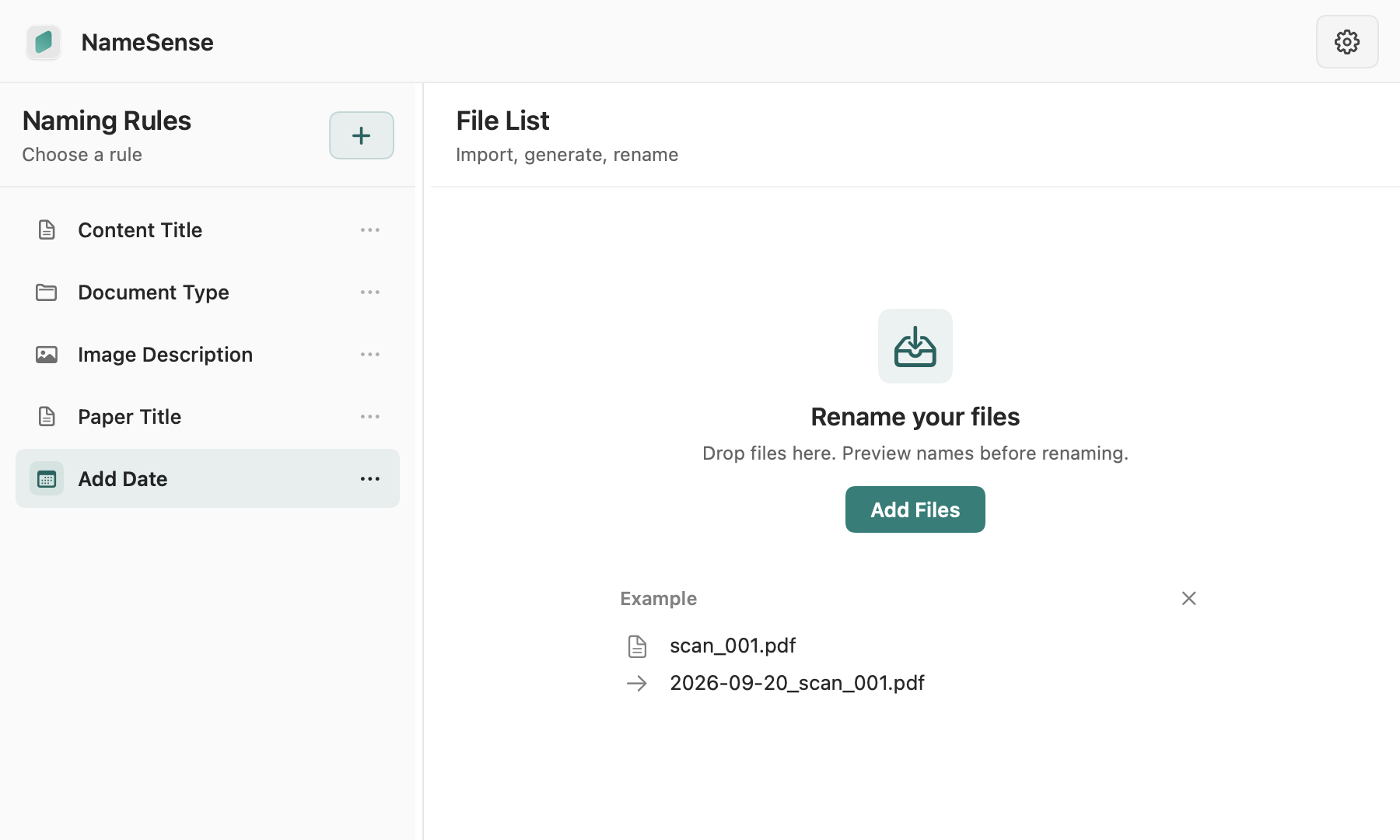
- Date + original filename: notes.txt → 2026-09-08_notes.txt (illustrative creation date).
- Fixed text + counter: use Project, a counter starting at 1 with three digits, and a hyphen to produce Project-001.txt.
- Parent folder + original filename: add source context to related material; check each file’s actual parent folder first.
Practice: number a three-file project batch
- Practice input
- Download and unzip batch-practice.zip. It contains 01-brief.txt, 02-checklist.txt and 03-notes.txt. Import these three extracted files, then check their order in the list. Three files fit the Free batch limit. Download practice file
- Rule settings
- Create a local rule: Fixed Text = Project, then Serial Number = numeric, start 1, three digits; separator = -. Generate suggestions. In the stated order the names are Project-001.txt, Project-002.txt and Project-003.txt. No API key is needed.
- Preview result
01-brief.txtProject-001.txt02-checklist.txtProject-002.txt03-notes.txtProject-003.txt- Checks and recovery
- Check all three suggestions, their mapping to the source files and the .txt extensions before applying. If the order differs, numbering follows the current batch, not the document text. An existing Project-001.txt is a conflict: use a different prefix or starting number and generate again. After applying to these practice copies, verify the names and file contents in Finder.
Practice files contain no personal information. Generating a preview does not change the files.
Give every name a consistent structure
Add a counter with a starting number and digit count. You can also use fixed text, the parent folder name, or a segment of the original filename, joined by your chosen separator.
- Choose each part’s source, length and order, then set a consistent separator.
- Counters depend on the order of files in the batch. Check the list and suggestions; do not assume ordering by document content.
Review each change before applying
Generating a name does not immediately rename a file. Check each suggestion, select the files to apply, then confirm. Preflight checks identify invalid names, duplicate targets, and occupied paths.
Free for small batches
Free supports up to 3 files per batch with local rules and built-in AI fields. Pro unlocks larger batches and custom AI instructions. File-format and content-extraction safety limits still apply.
When does NameSense help?
For a simple text addition or numbering task, try Finder’s batch rename first. NameSense is useful when you repeatedly apply multi-part rules or combine document metadata with optional AI-derived content.
Scroll sideways to see the full comparison →
| Method | Use it when | What to check |
|---|---|---|
| Local rules | Add fixed text, a counter, a file-system date or the original filename. | No API key. File order and dates come from the current files, not the document meaning. |
| Local PDF metadata | Use the PDF’s stored Title or Author fields. | No API key. A visible heading can exist even when the metadata field is empty. |
| AI content analysis | Extract a title or publication year from readable text, or describe an image with a suitable model. | Requires provider setup and consent. Model output varies and must be checked against the source. |