 NameSense
Start with image details
Use creation dates, available capture dates, image dimensions, and counters for a consistent naming convention. Capture dates depend on metadata in the image and are not available in every file.
- Travel photos: capture date + original filename. Check that the photo contains the relevant metadata.
- Screenshots: a fixed topic prefix + counter creates a reusable structure without a vision model.
Practice: organize images by dimensions and number
- Practice input
- sample.jpg is a 1600 × 900 pixel geometric color-block practice image. It tests dimension reading, not AI scene recognition. Download practice file

- Rule settings
- Add Dimensions, then Serial number. Use x between width and height, start numbering at 1 with four numeric digits, and separate the parts with _. Import only this practice image to generate the preview.
- Preview result
sample.jpg1600x900_0001.jpg- Checks and recovery
- Check the source dimensions in Finder’s Get Info. The number follows batch order, not shooting order. If dimensions are missing, check that the image opens or use Original filename. Screenshots often lack a capture date; an empty date does not mean today.
Practice files contain no personal information. Generating a preview does not change the files.
Add a description of the image
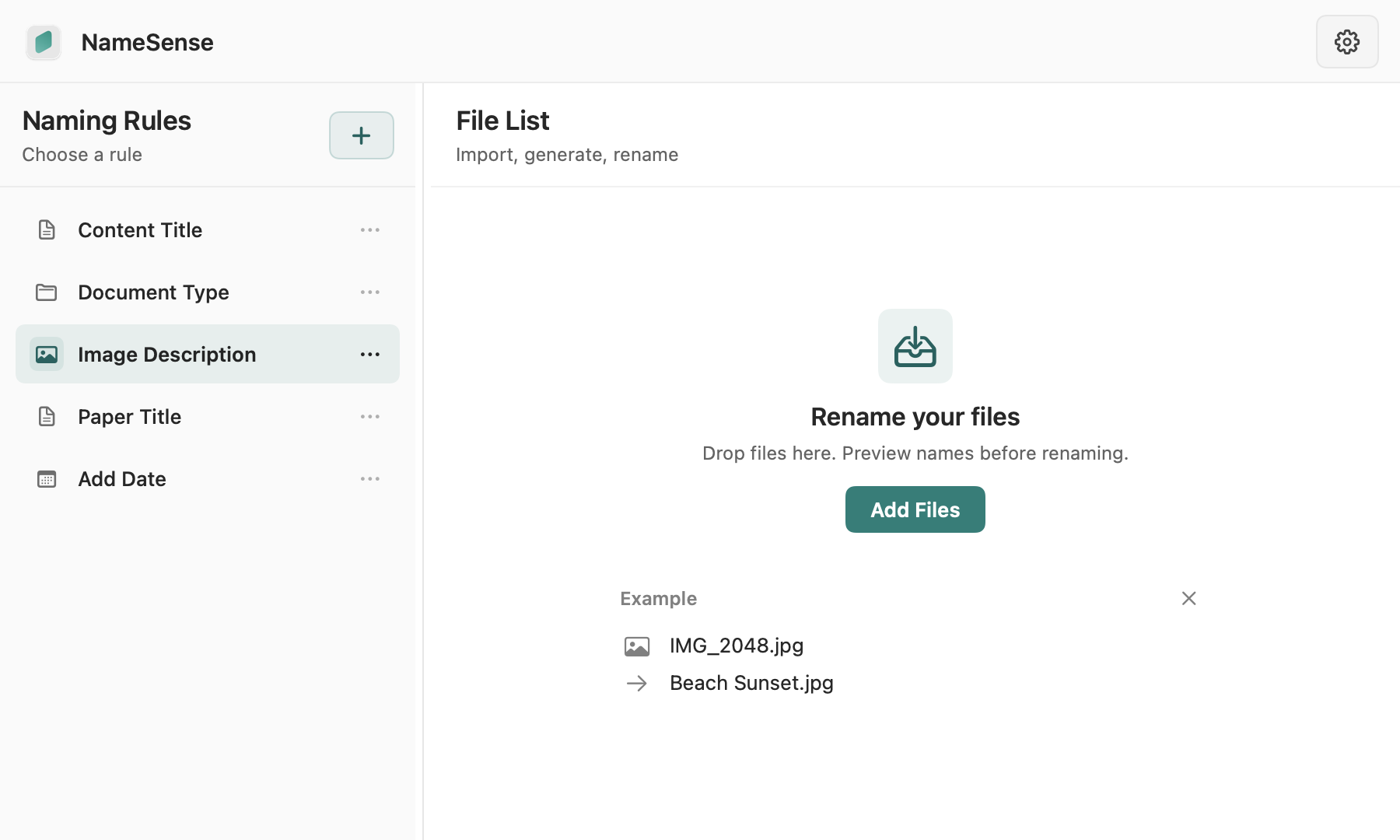
The built-in Image Description rule sums up the main subject in one short phrase (up to 30 characters). It describes only what is clearly visible and does not guess identities, places or dates. It needs a compatible vision model, and results depend on the model and image quality. You can add a counter or capture date in front.
- Start with one non-sensitive image, choose a model supporting image input, and check the data-sharing destination.
- Subjects, scenes and categories in the name are suggestions to review. A vision model cannot guarantee identification of people, places or events.
Adapt it to your library
Name screenshots by topic, add a scene description to travel photos, or prefix design references. This workflow changes filenames; it does not automatically move images into category folders.
Review, then apply
Make sure the suggestions preserve the details you need before applying them. Common supported formats include JPG, PNG, HEIC, and WebP; consult the format list for the full scope.