 NameSense
Metadata or content-aware naming
If a PDF contains title and author metadata, use the local PDF Title and PDF Author parts. To infer details from the document text, use AI title, author, or publication-date parts with your configured provider.
Scroll sideways to see the full comparison →
| Method | Use it when | What to check |
|---|---|---|
| Local rules | Add fixed text, a counter, a file-system date or the original filename. | No API key. File order and dates come from the current files, not the document meaning. |
| Local PDF metadata | Use the PDF’s stored Title or Author fields. | No API key. A visible heading can exist even when the metadata field is empty. |
| AI content analysis | Extract a title or publication year from readable text, or describe an image with a suitable model. | Requires provider setup and consent. Model output varies and must be checked against the source. |
Practice: organize a report using PDF metadata
- Practice input
- report.pdf is a one-page practice report. Its metadata title is Project Overview and its author is Example Team. Both are also printed on the page for comparison. Download practice file
- Rule settings
- Create a rule with the local PDF Title part (required), then PDF Author (optional), separated by _. This differs from the built-in AI Paper Title rule and needs no provider setup.
- Preview result
report.pdfProject Overview_Example Team.pdf- Checks and recovery
- Open the downloaded PDF to check its title and author, then check the extension. An empty optional author is omitted. If the required title is missing, do not apply a placeholder: use Original filename or review the text before choosing AI extraction. Resolve any existing target-name conflict first.
Practice files contain no personal information. Generating a preview does not change the files.
Papers: start with the Paper Title rule
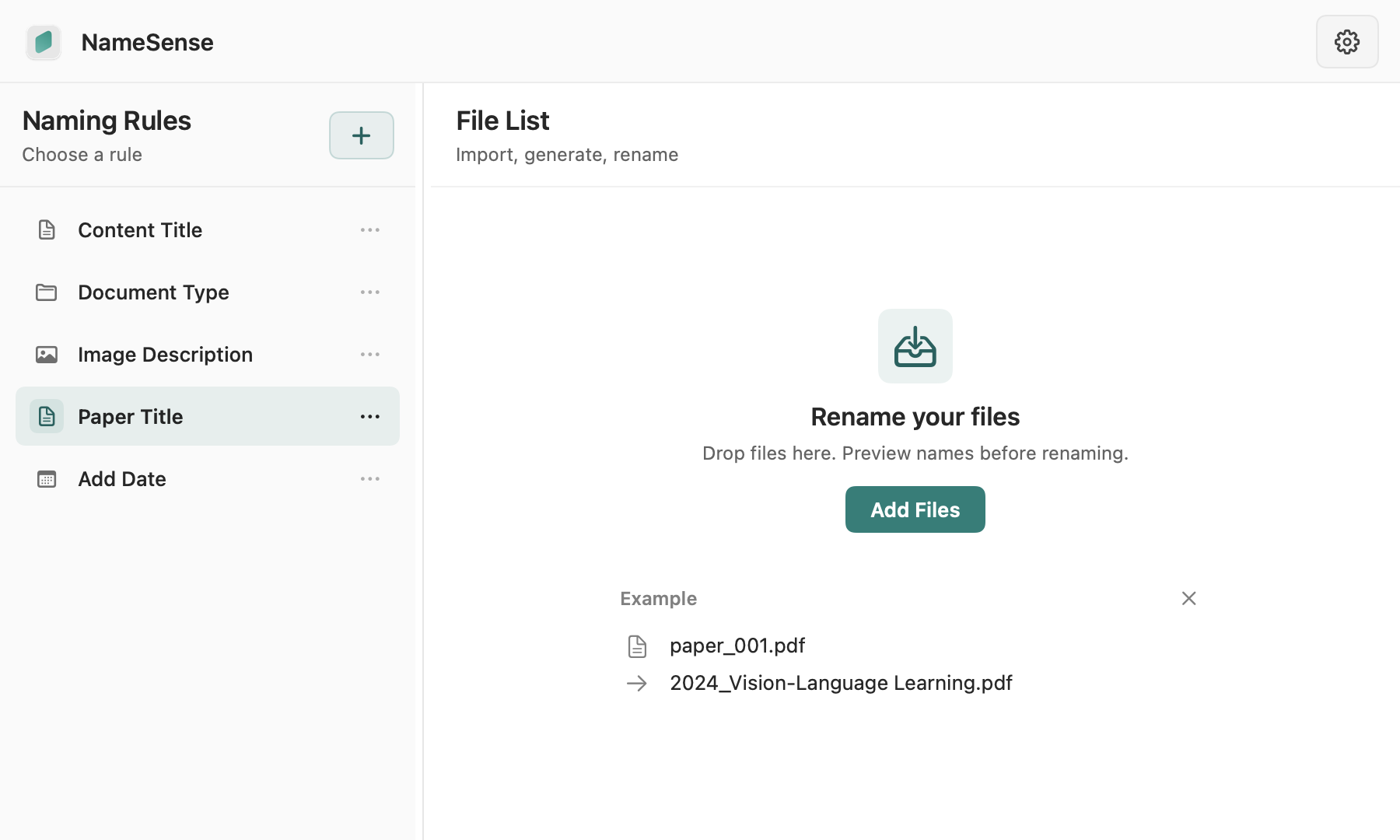
The built-in Paper Title rule combines the publication year with the original title. The title stays in its original language, and the year is left out when it can’t be found. To file contracts, invoices or reports by type, use the Document Type rule instead.
- Choose the built-in Paper Title rule and try it on one readable, non-sensitive paper first.
- To add the first author or publisher, add the AI Author or Publisher part in the rule editor, then adjust the order, separator and length.
- The Paper Title rule uses AI parts, so set up a provider first. A title or year in the text is different from the PDF metadata used in the local practice case above; one cannot stand in for the other.
Scans and page selection
PDF processing supports page selection and OCR settings. Scan quality, available text, and selected pages affect the result. Encrypted, unreadable, or oversized files may not be analyzable; check that you can open the document first.
- Check that the scan opens, is correctly oriented, and includes the relevant information in the selected pages.
- If extracted text is empty or garbled, inspect OCR and scan quality. Changing the naming template cannot repair unreadable input.
- Resolve encryption, corruption or extraction-limit issues before analyzing the PDF again.
Choose where analysis runs
Local metadata parts do not require external AI. When you use AI and consent, extracted text and necessary previews may be sent to your chosen service. Review the data-sharing disclosure before processing sensitive files.
When information is missing
A useful name reflects information you can verify in the file. If a preview has missing fields, a wrong author, or an implausible date, review the selected pages, rule requirements, and model output before applying it.
- When the source has no author, use optional fields or your configured fallback instead of accepting a guessed name.
- Creation, modification and publication dates mean different things. Choose the one your archive needs rather than treating them as interchangeable.
Rename a PDF from its content when metadata is empty
A heading printed on a PDF page is not necessarily stored in its Title metadata. Compare this content-only example with the metadata practice above before choosing an AI rule.
Practice: a title in the PDF text, with empty metadata
- Practice input
- content-only-report.pdf is a fictional one-page report titled Community Garden Study, dated 2024. Its PDF Title and Author metadata are intentionally absent; no author is stated in the text. Download practice file
- Rule settings
- First try the local PDF Title part on this file: it cannot read a heading from the page. Then configure your AI provider, select the built-in Paper Title rule and analyze this one-page file. It uses publication year plus the original-language title; no custom instruction is required.
- Preview result
content-only-report.pdf2024_Community Garden Study.pdf- Checks and recovery
- The result shown is an illustrative target, not a recorded AI run or a promise of identical wording. Check the year 2024 and the title against the page. Do not invent an author or substitute today’s date. A required empty local field may show a missing-value marker: review it instead of applying it. Provider access and charges are separate.
Practice files contain no personal information. Generating a preview does not change the files.